
May 18
ONCE I HAVE MERGE SOURCE ...
Once I have gone into all 82 of my notebooks, and created a merged sores in each one of them, and had your pro extension, delete the other sources… Now, how do I do the following… I want to merge all of those one sources in 82 different notebooks, into a ONE single dynamic different notebook, into a single dynamic notebook… How do I use your pro extension for that? Thank you so much
Completed
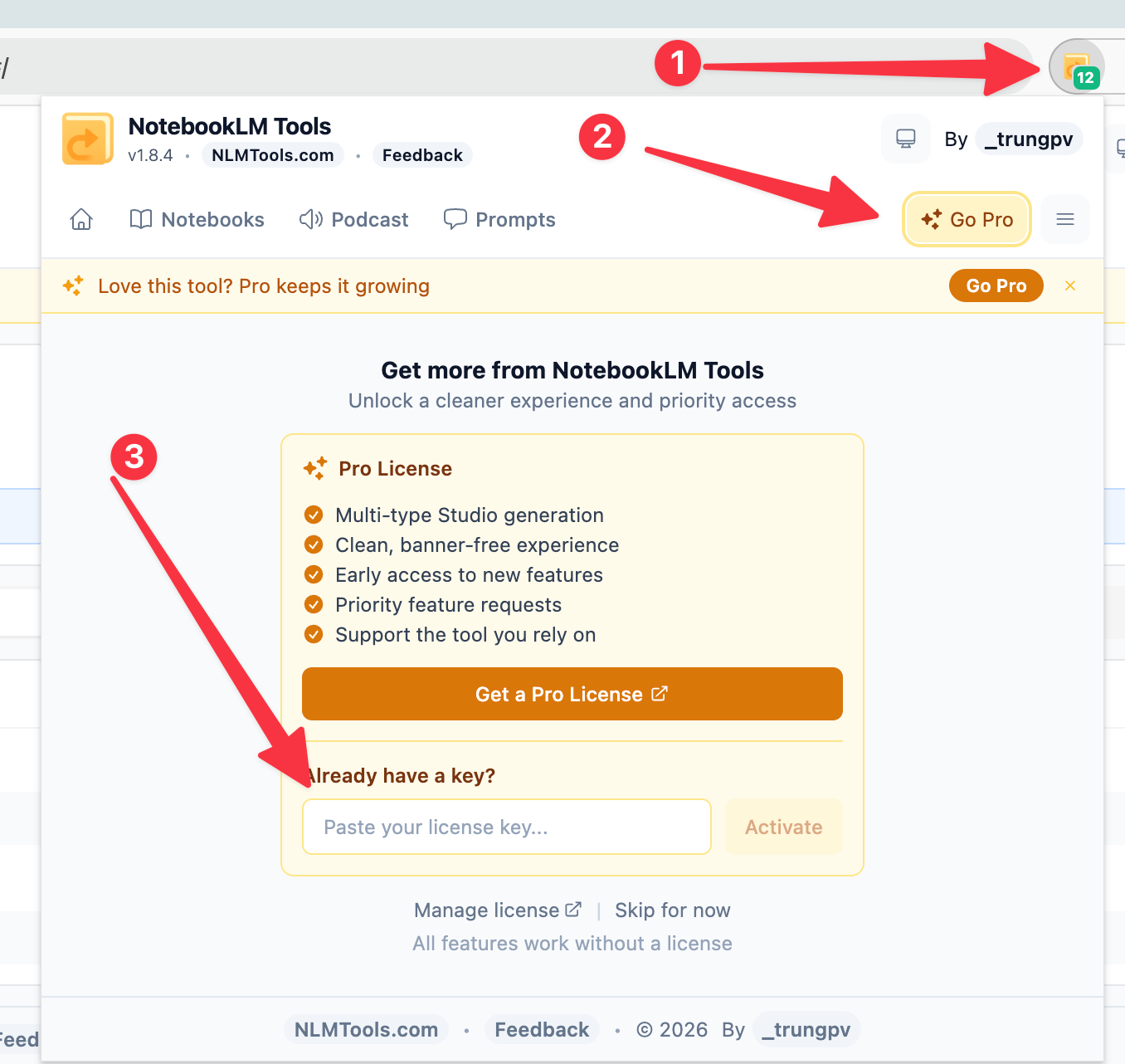
Hi, thanks so much for upgrading to Pro to support us! Quick note: the merge sources feature is actually free, not Pro-only. Also, please be careful when deleting original sources after merging — it can't be undone. To be honest, what you're asking involves quite a lot of steps and is a bit outside the scope of what the extension is built for, but I'll do my best to help. Here's what I'd suggest: 1. Export the merged source from each notebook as a .md file. You can download it directly or use backup as .md file (see attachment). 2. Create a new notebook and import all merged source .md files into it. 3. Merge them inside the new notebook if you want one combined source. Please back up first. Once the new notebook looks right, it's safe to delete the old ones. Before you start, please make sure this is really the workflow you need — with 82 notebooks, it's worth being sure before committing to it. Let me know if you hit any snags. Thank you!