
May 28
Folders between devices
Pretty heavy NLM user, this has been awesome in helping me organize... a feature that would help, I use my desktop most of the time, but my laptop on the road. Logged into the same google account I lose all my folders and organization when I change machines... I assume that is all stored locally on a config file... is there a way to keep the organization between machines? If I share the Notebook with someone else, if they have the NLM-tools installed, could they see the organization?
Completed
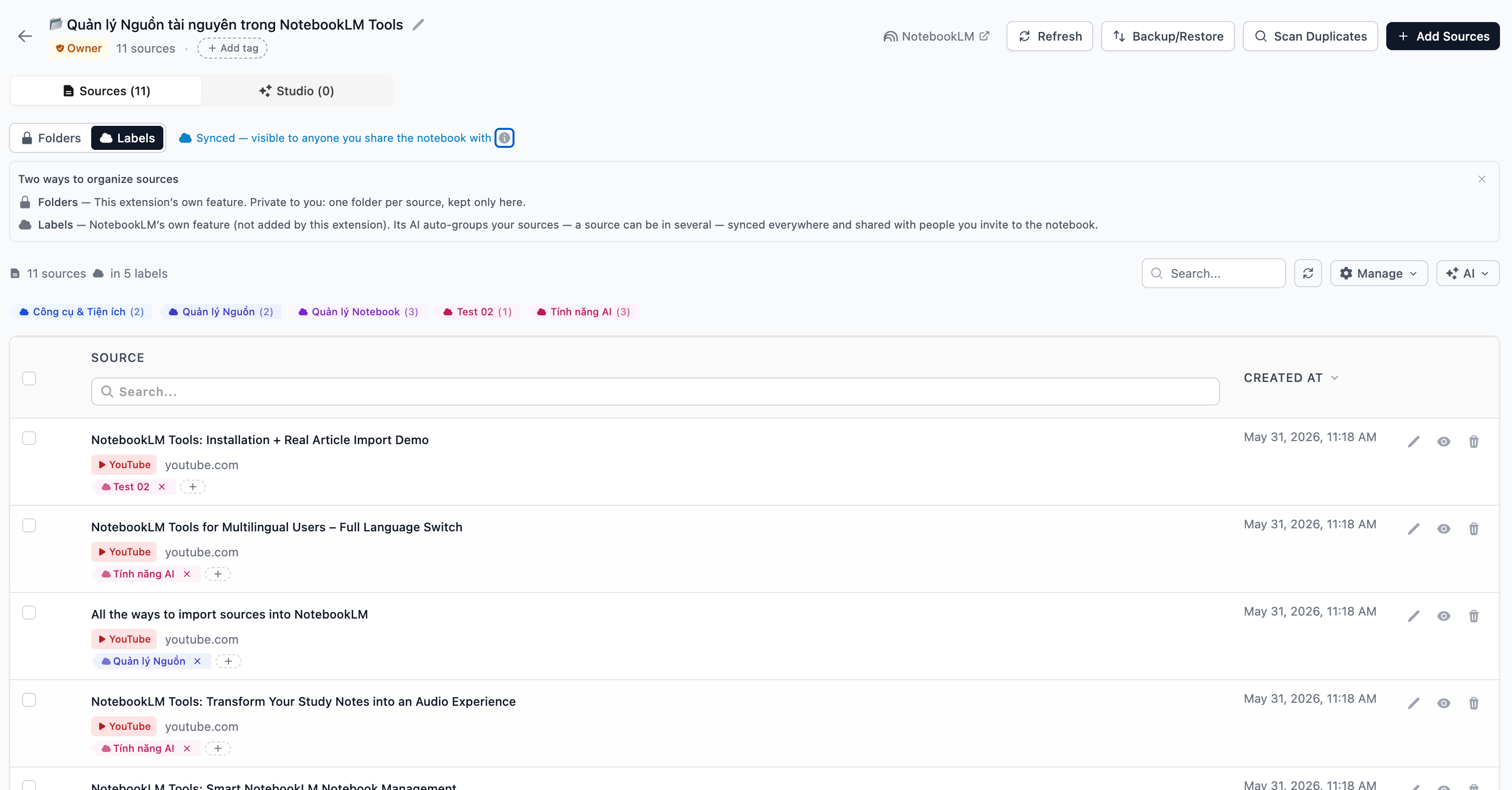
Will update in v1.8.6. The Chrome Web Store takes too long for the reviewing process. You can try Firefox: https://addons.mozilla.org/en-US/firefox/addon/notebooklm-to… if can not wait Keep in mind that the Folder still locally Two ways to organize sources Folders — This extension’s own feature. Private to you: one folder per source, kept only here. Labels — NotebookLM’s own feature (not added by this extension). Its AI auto-groups your sources — each source can have multiple labels — synced everywhere and shared with people you invite to the notebook.